
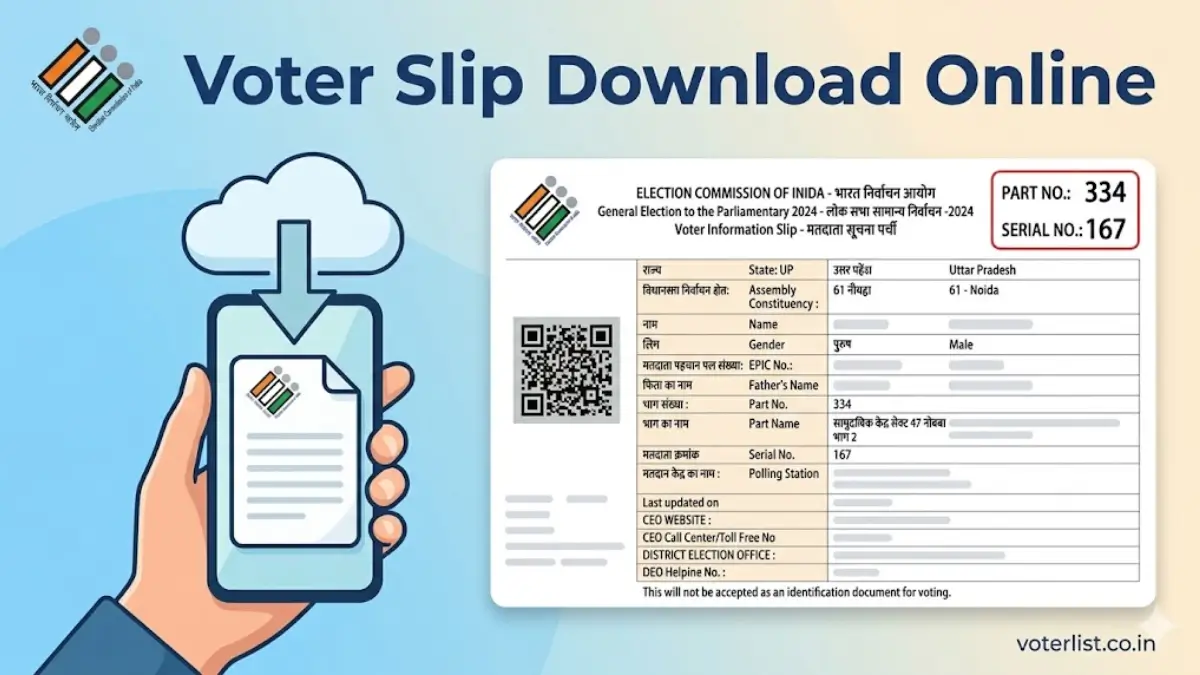
Election Commission of India (ECI) is conducting the assembly elections in 4 States and 1 Union Territory in April 2026. The voter slip for these state's elections is also available to download. You can easily download your digital voter slip for Tamil Nadu, Kerala, Puducherry, West Bengal, and Assam from the official ECI voters portal. Elections in Kerala, Assam, and Puducherry have already been completed.
A voter slip, officially known as Voter Information Slip (VIS), is issued by the Election Commission of India. It contains important details such as the voter’s name, age, gender, assembly constituency, polling station details, part details, and the date and time of voting.
Part number and part serial number are the essential pieces of information every voter need to know for quick and hassle free experience at the polling station, and a voter slip contains these details which can be downloaded using the EPIC (Voter ID) number, mobile number or by details.
You can also directly use below option to check and download your EPIC & polling station details in PDF format using your EPIC Number. These details are the part of official voter slip, but the voter slip PDF which you download by using below option is not official.
How to Download Voter Slip Online from Official Portal voters.eci.gov.in?
STEP 1: Visit the CEO official website at voters.eci.gov.in.
STEP 2: On the homepage, click on the “Login” button and enter your registered mobile number or email ID to sign in, as shown in the screenshot below.

STEP 3: After Successfully login click on "E-EPIC Download" as shown below screenshot.

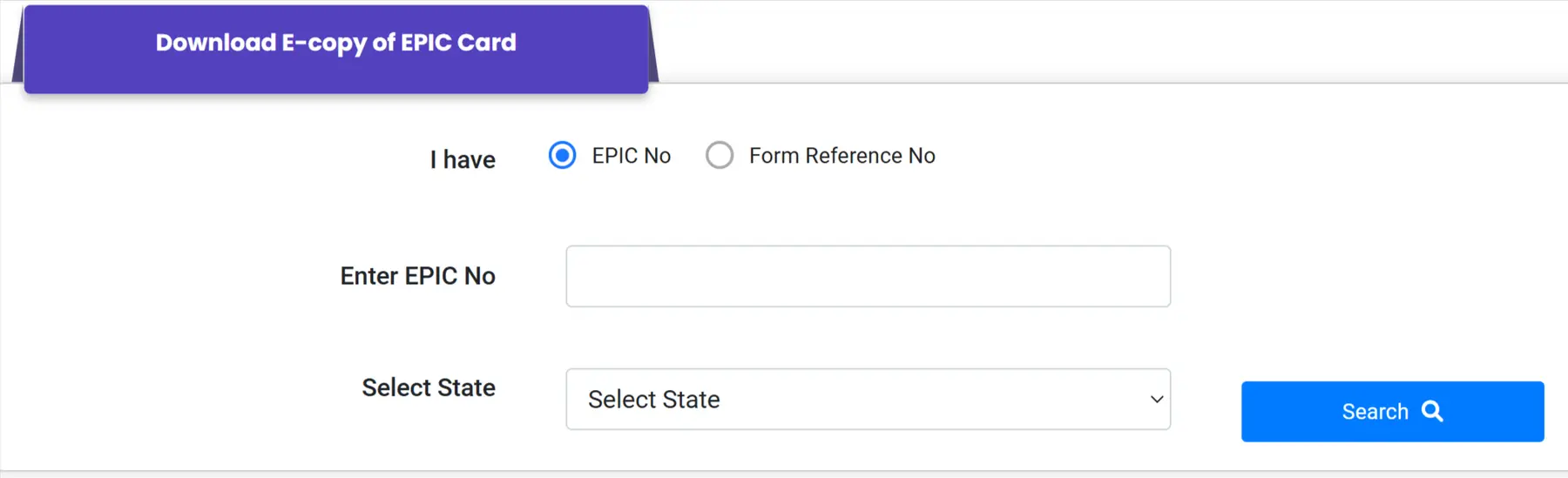
STEP 4: On the next page you have to enter your EPIC number and select State then click on search button as shown below image.
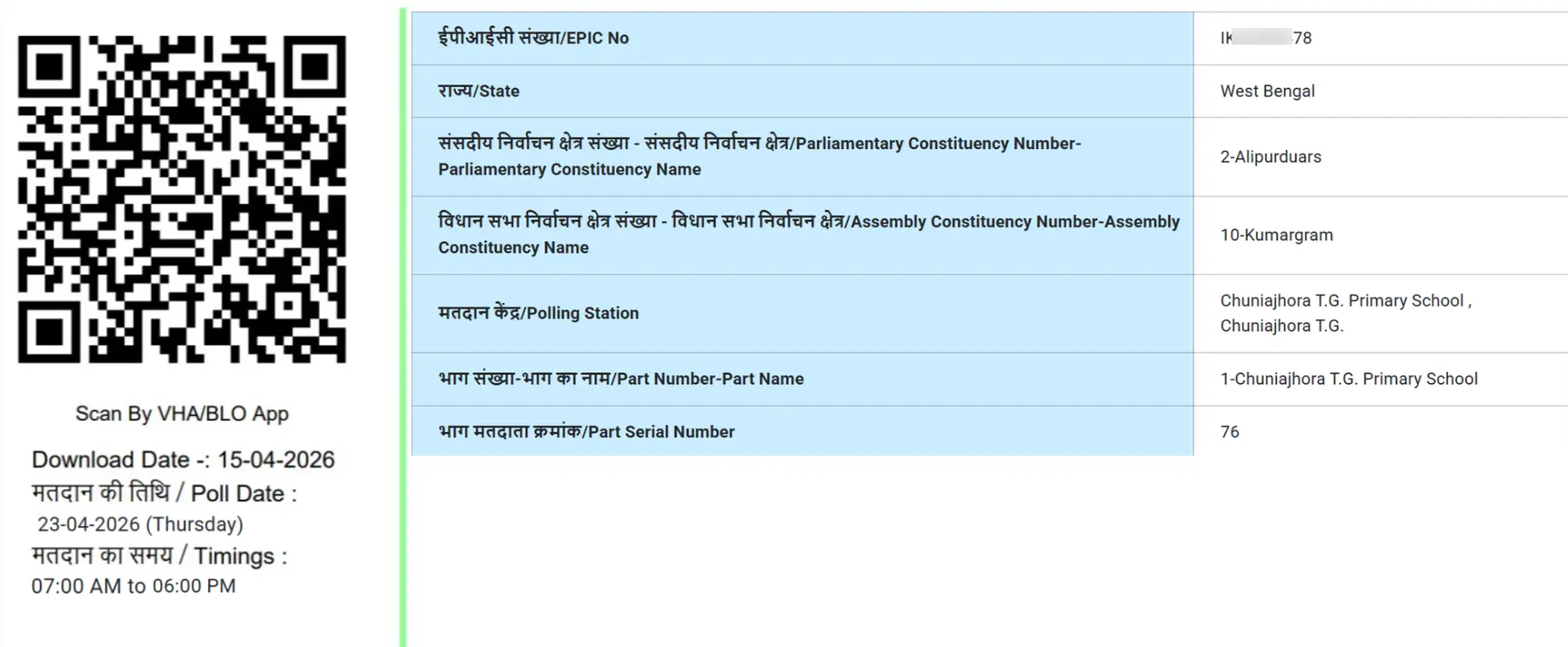
STEP 5: After that, your Voter Information Slip (VIS) will be displayed, where you can check your polling details as shown in the image below.
Download Your Voter Slip Instantly Using EPIC ID
You can follow the steps below to download voter slip online from the official ECI voter's portal.
STEP 1: Go to the official voter's portal of Election Commission of India at voters.eci.gov.in.
STEP 2: At the homepage, click on the "Search in Your Name in Voter List" tab under Service section as shown in below screenshot.
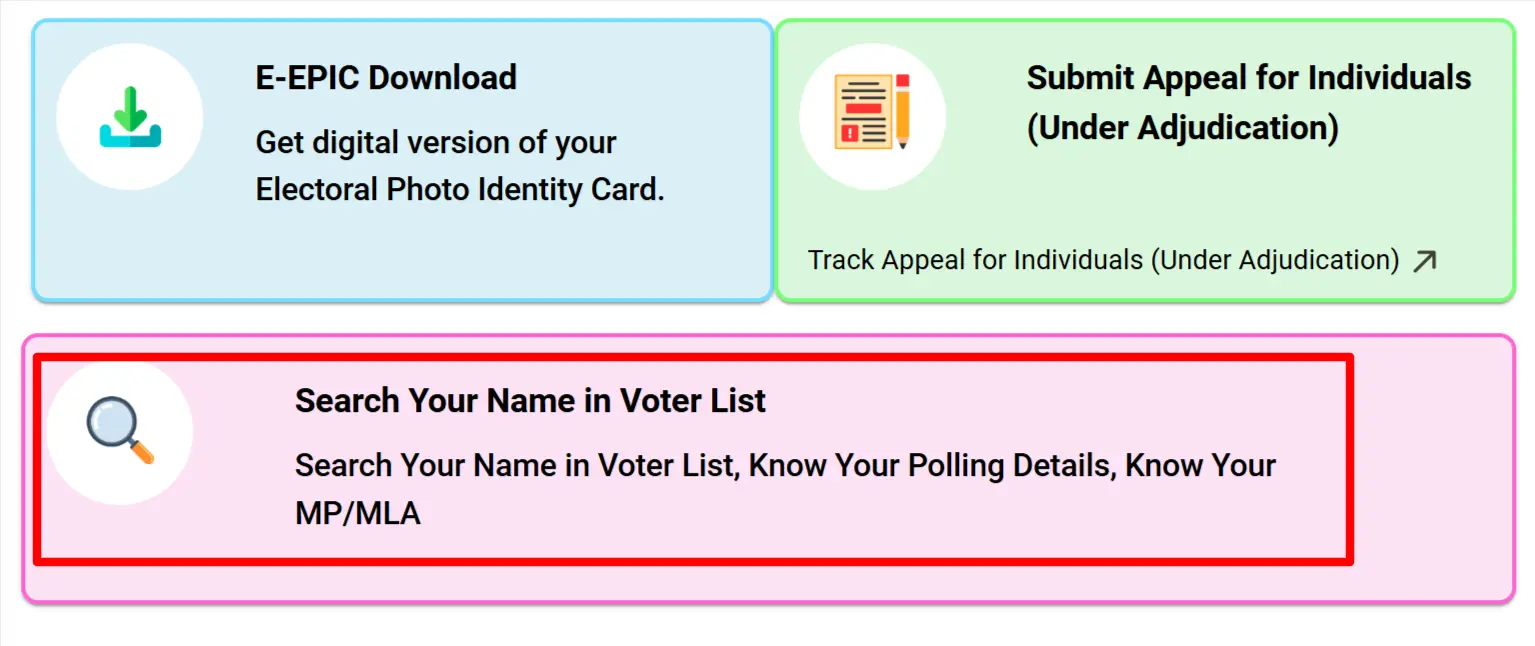
STEP 3: On the next page you will have 3 options, select any one of the options - "Search by Details", "Search by EPIC" or "Search by Mobile".
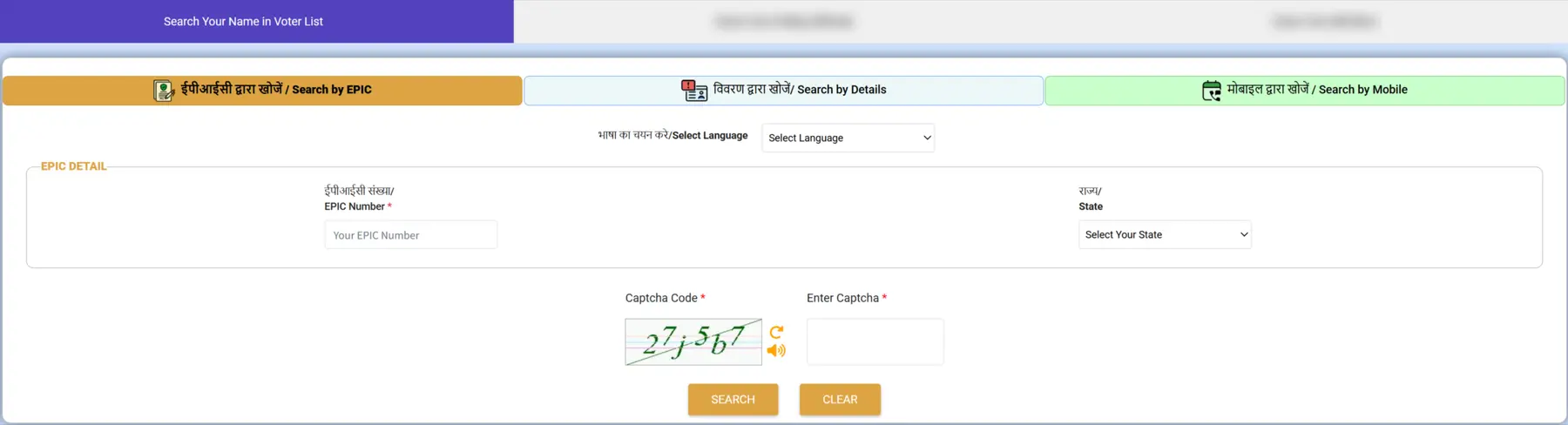
STEP 4: Enter the required information and captcha code and click "Search".
STEP 5: The system will provide your details. You can further check if your details are correct by clicking on "View Details" under the "Action" column.

STEP 6: After clicking on "Voter Details", your electoral information will be displayed. Here, you can see the polling station name and number, along with the election date and time, as shown below.

STEP 7: To download the voter slip PDF, click on the "मतदाता सूचना प्रिन्ट करें - Print Voter Information", button below the details which includes your polling station name, part number and name, part serial number and polling date.
How to Download Voter Slip Using Voter Helpline App?
You can download the Voter slip through the Voter Helpline mobile app by following the below steps:
STEP 1: Download and install the "Voter Helpline App" from the Google Play Store.
STEP 2: Login by entering your mobile number and password registered on the ECI Voter's Portal or register as "New User" if you are registered on the portal and log in to the app.
STEP 3: Click on the "Search Your Name in Electoral Roll" option.
STEP 4: Select any one of the options - "Search by Mobile", "Search by Bar/QR Code", "Search by Details" or "Search by EPIC No." as shown in below app screenshot.
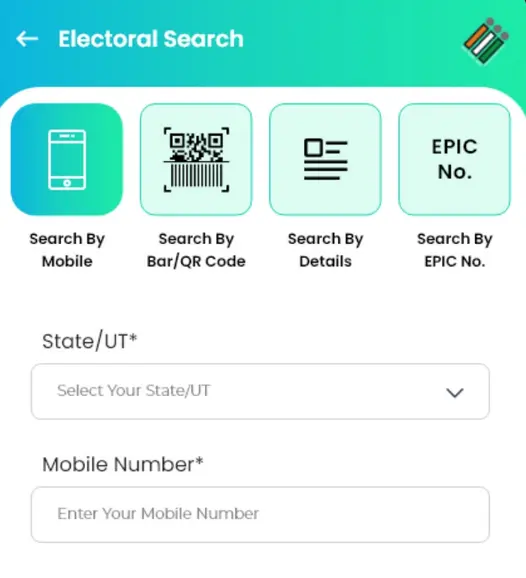
STEP 5: Enter the required information and click "Search".
STEP 6: The voter details will be displayed. Click on the "Download" icon.
Information on Voter Slip
VIS (Voter Information Slip) are being distributed by the BLOs concerned personally to the voters by visiting door to door. The process is to be completed at least 5 days before the day of poll to all enrolled electors. The voter slip will contain the following information:
- Name
- Age
- Relative's name
- Gender
- EPIC number/Voter number
- Parliamentary constituency number
- Polling station address
- Polling station
- Part number
- Part Serial Number
- Polling date
State Elections (2026) Schedule & Candidate List
| State/UT | Polling Date(s) | Candidate List & Election Updates |
|---|---|---|
| Assam | April 9 | Assam 2026 Assembly Election Candidate List |
| Kerala | April 9 | Kerala Election Candidates List 2026 |
| Puducherry | April 9 | Puducherry Assembly Election Candidates List 2026 |
| Tamil Nadu | April 23 | Tamil Nadu 2026 Election Candidate List |
| West Bengal | April 23 & April 29 | West Bengal 2026 Assembly Election Candidates List |