
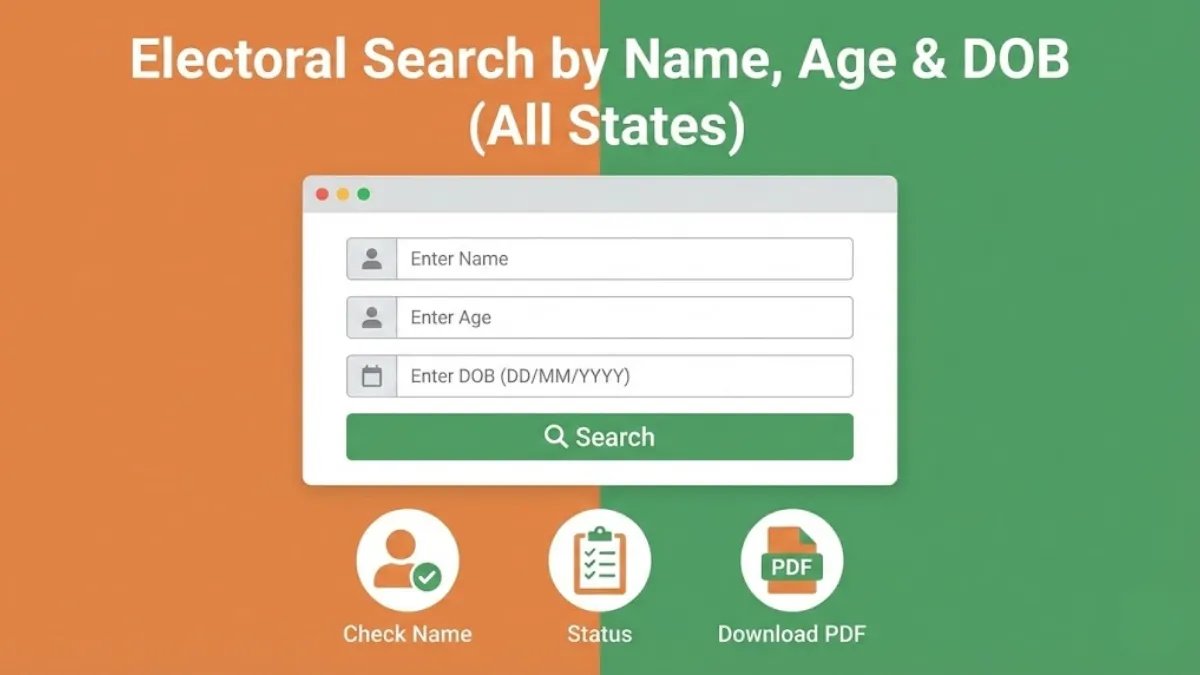
Electoral search by name option on the official website of ECI allows you to check your voter details online or check your name in the voter list by using your name and relative name. By selecting your state, entering your name, relative name & age or date of birth, you can search if your name exists in the electoral roll. You will see all the matching voter ID details as published by the Election Commission of India (ECI).
Electoral Search using Name, Relative Name, Age and Date of Birth
Select your state name from the state field, enter your first name, relative's first name, one of the date of birth and age fields, gender and then click on "Next" button, enter the captcha code shown and then click on "Search" button to see the voter details matching with the name and other selected details.
ALSO CHECK: Electoral Search by EPIC (Voter ID) Number / Electoral Search by Mobile Number
Find Your Voter ID Details by Name at voters.eci.gov.in
STEP 1: Visit the official election website voters.eci.gov.in
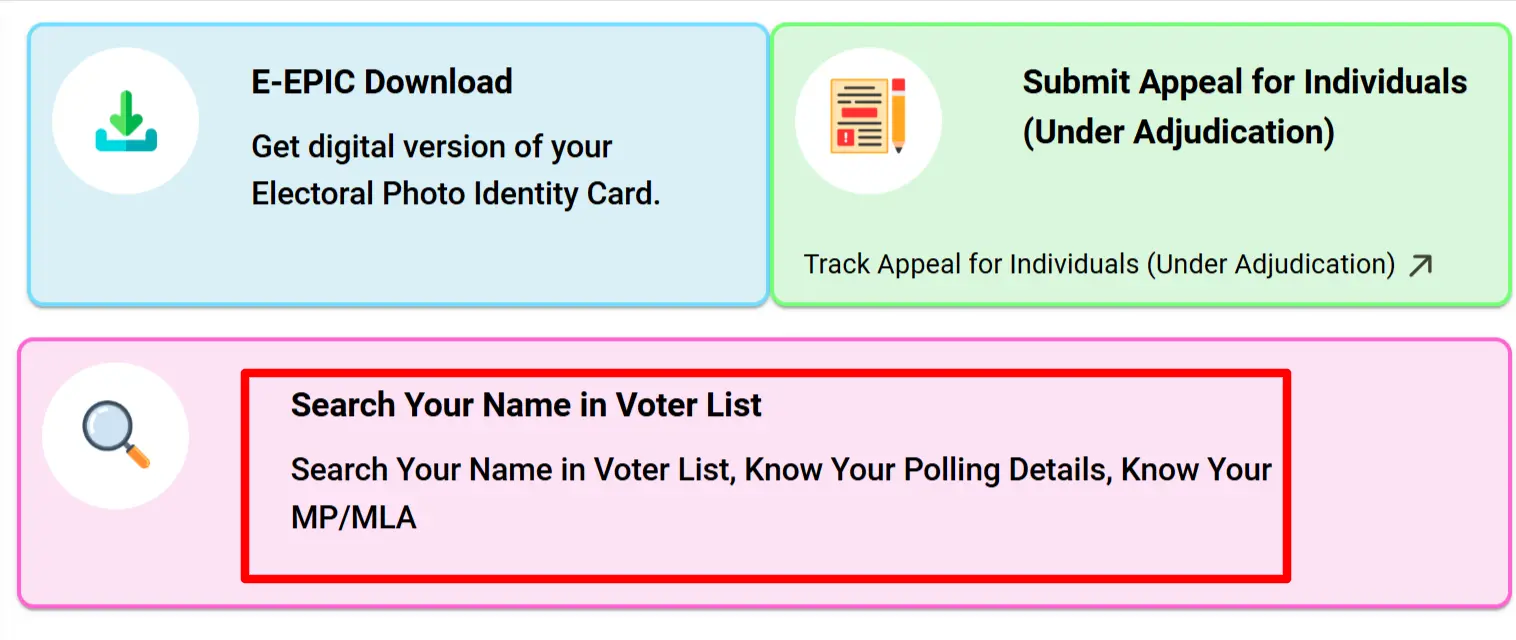
STEP 2: On the Homepage you will the "Search Your Name in Voter List" link as shown in similar screen below.
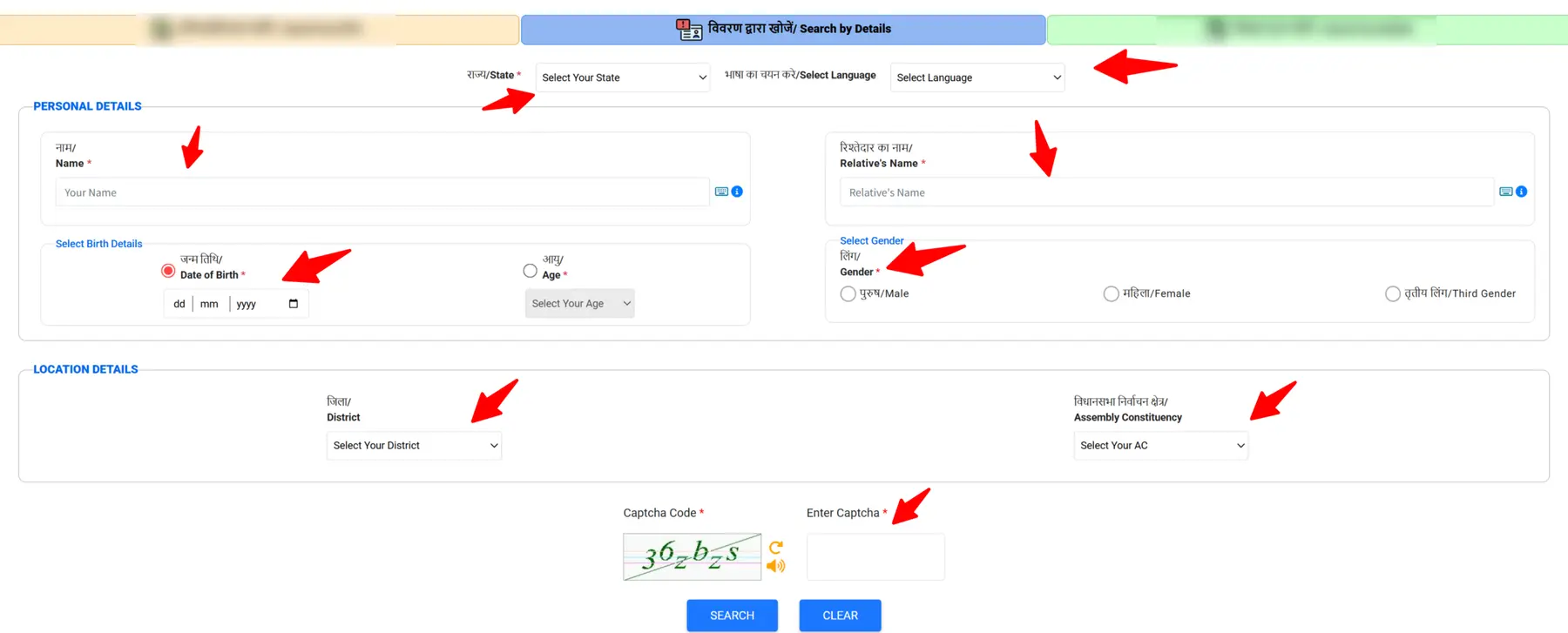
STEP 3: On the next page, select “Search by Details”. Choose your State and Language, then enter your Name, Relative Name, Date of Birth, and select your Gender, District, and Assembly Constituency. After that, enter the CAPTCHA code and click on the “Search” button, as shown in the image below.
STEP 4: After the EPIC details are displayed, you have to click on "View Details" as shown in below image.

STEP 5: On the next page, your voter details will be displayed. Click on “Print Voter Information” to download your EPIC. The PDF will be saved in your download folder, as shown below.
