
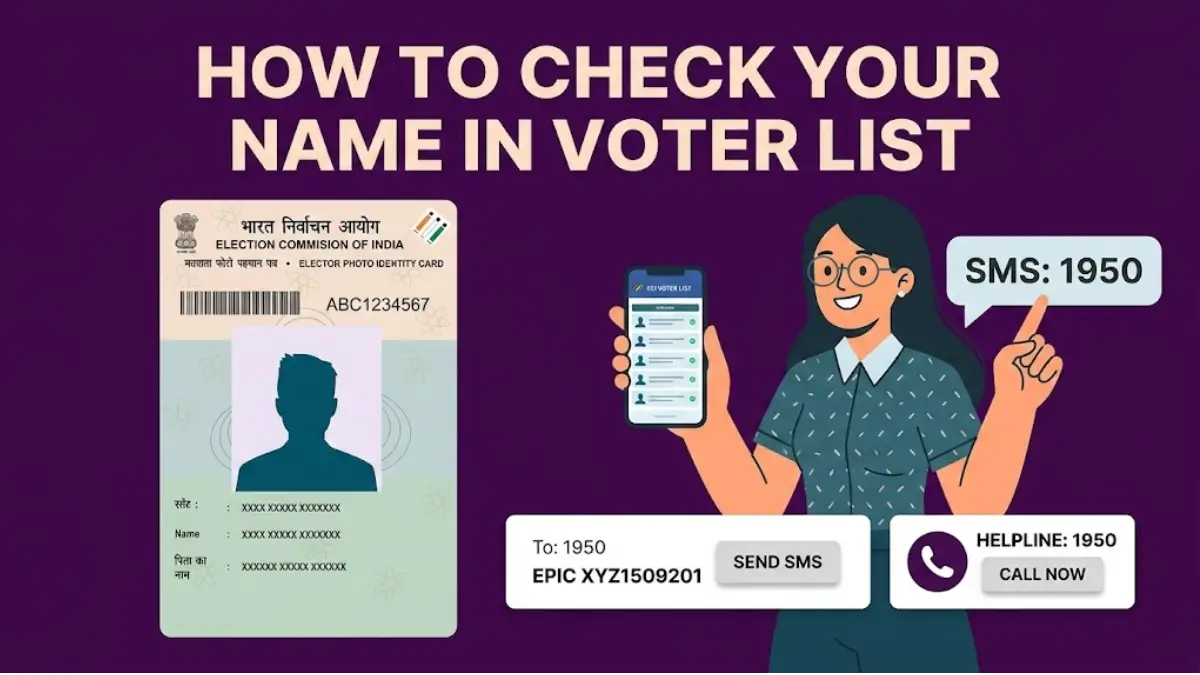
Election Commission of India has almost completed the Special Intensive Revision (SIR) process in 12 states, including Uttar Pradesh, West Bengal, and Tamil Nadu in the phase 2. Phase 3 of the SIR will begin in April 2026 for the remaining 22 states and Union Territories.
Citizens in these SIR completed and remaining states can verify their name inclusion in the voter list through several means. So, if you want to check your name in voter list, you can do it online either by using mobile number electoral search, or EPIC (Voter ID Number) electoral search or by sending an SMS and or calling the ECI voters helpline.
How to Check Name in Voter List via SMS After SIR?
To check your name in the voter list using the SMS service, follow these steps:
- Create a new SMS message.
- Message Text - EPIC <Space> EPIC (Voter ID Number).
- For example: EPIC XYZ1234567.
- Send the message to the short code or ECI helpline at 1950.

Once the message is sent, you will receive an SMS containing your EPIC details and polling station information, or an indication that your record was not found.
Alternatively, you can use the Helpline service by calling 1950 for assistance in English, Hindi, and regional languages. The helpline is available on working days from 9 am to 6 pm.
Steps to Check via Helpline (1950)
- Dial 1950: Call the number from any mobile or landline.
- Note: If you are calling from a different state or want a specific District Contact Centre, you may need to add your STD code before the number.
- Select Language: Follow the Interactive Voice Response (IVR) prompts to choose your preferred language (English, Hindi, or regional languages).
- Choose "Voter ID Status": Select the option related to "Search in Electoral Roll" or "Voter ID Status."
- Provide Details: * EPIC Number: The executive or IVR will ask for your Voter ID (EPIC) number.
- Personal Details: If you don't have your EPIC number, you may be asked for your name, father's name, and Assembly Constituency to perform a search.
- Receive Confirmation: The representative or the automated system will confirm if your name is present in the current voter list and provide your polling booth details.
If you find that your name is missing during the Special Intensive Revision (SIR) phase, you can submit Form 6 for new registration or Form 8 for corrections through the Voter Helpline App or your local BLO.