
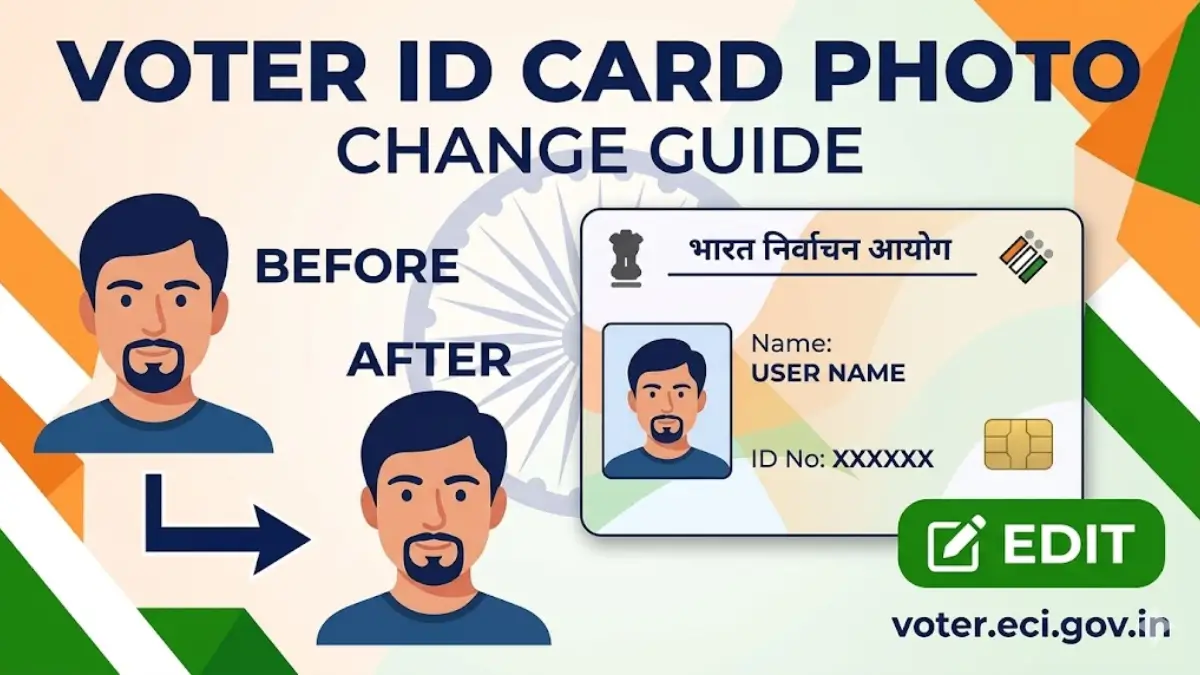
If you want to change or update the photo on your Voter ID card, you can easily do it through the official ECI voters portal at voters.eci.gov.in. Below are the simple steps to update or change your photo in the Voter ID card.
Change Your Voter ID Photo Online on voter.eci.gov.in - Simple Process
STEP 1: Visit the official Election Commission of India voter portal at voters.eci.gov.in.
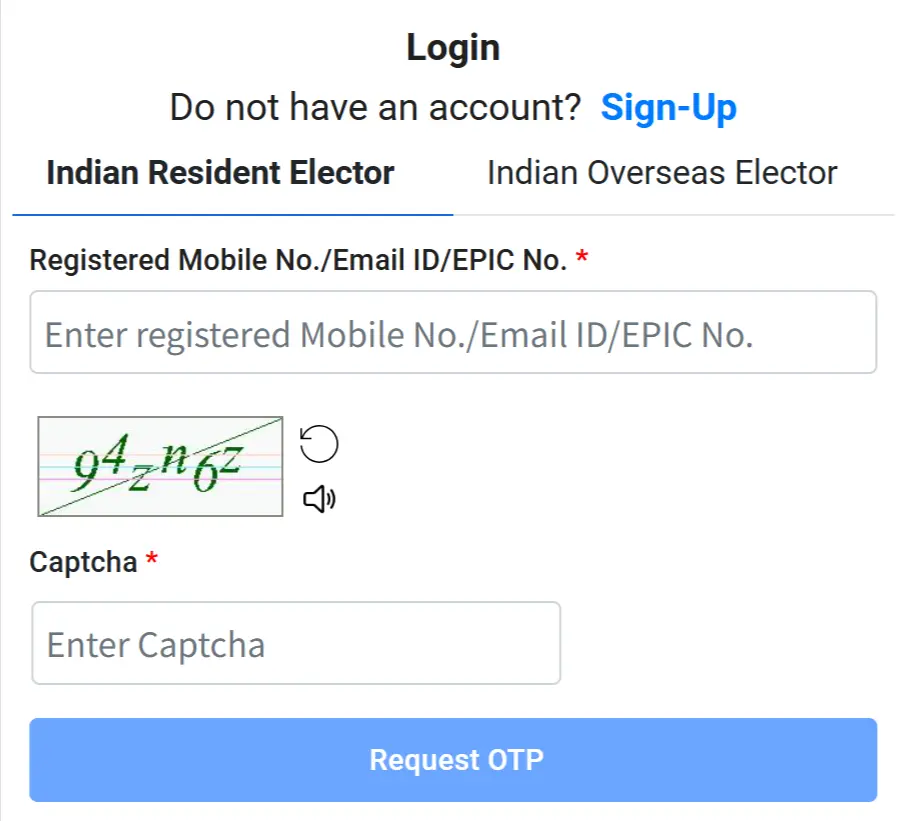
STEP 2: On the homepage, you will see the “Sign In” and “Sign Up” options. If you are already registered on the voter portal, click on “Sign In,” enter your registered mobile number, and fill in the captcha code to log in. If you are not registered, click on “Sign Up” to create a new account, as shown in the image below.
STEP 3: After login successfully you will see the "Correction of Entries" or " Form 8 " as shown in below screenshot.

STEP 4: On the next page, select the “Application for Self or Other Elector” option. Then enter the EPIC number of the person whose photo you want to change and click on the “Submit” button, as shown below.

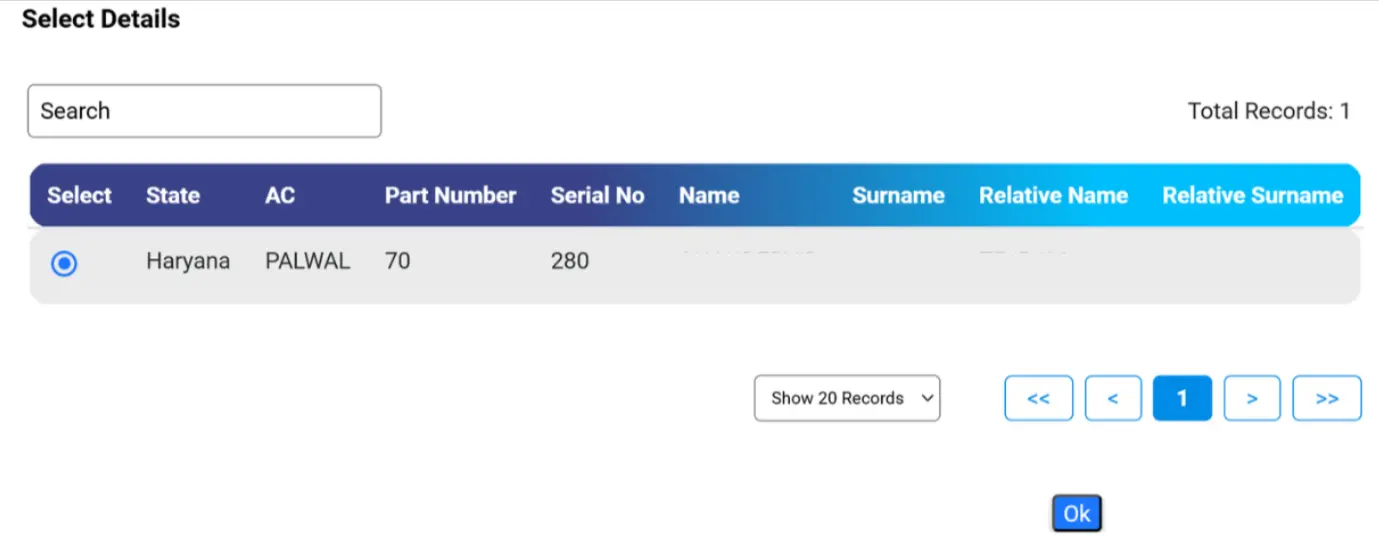
STEP 5: Now your EPIC details will be displayed and click on OK button as shown below.
STEP 6: Now you have 4 option from which you want to make correction in Voter ID card.
- Shifting of Residence
- Correction of Entries in Existing Electoral Roll
- Issue of Replacement EPIC without correction
- Request for marking as Person with Disability

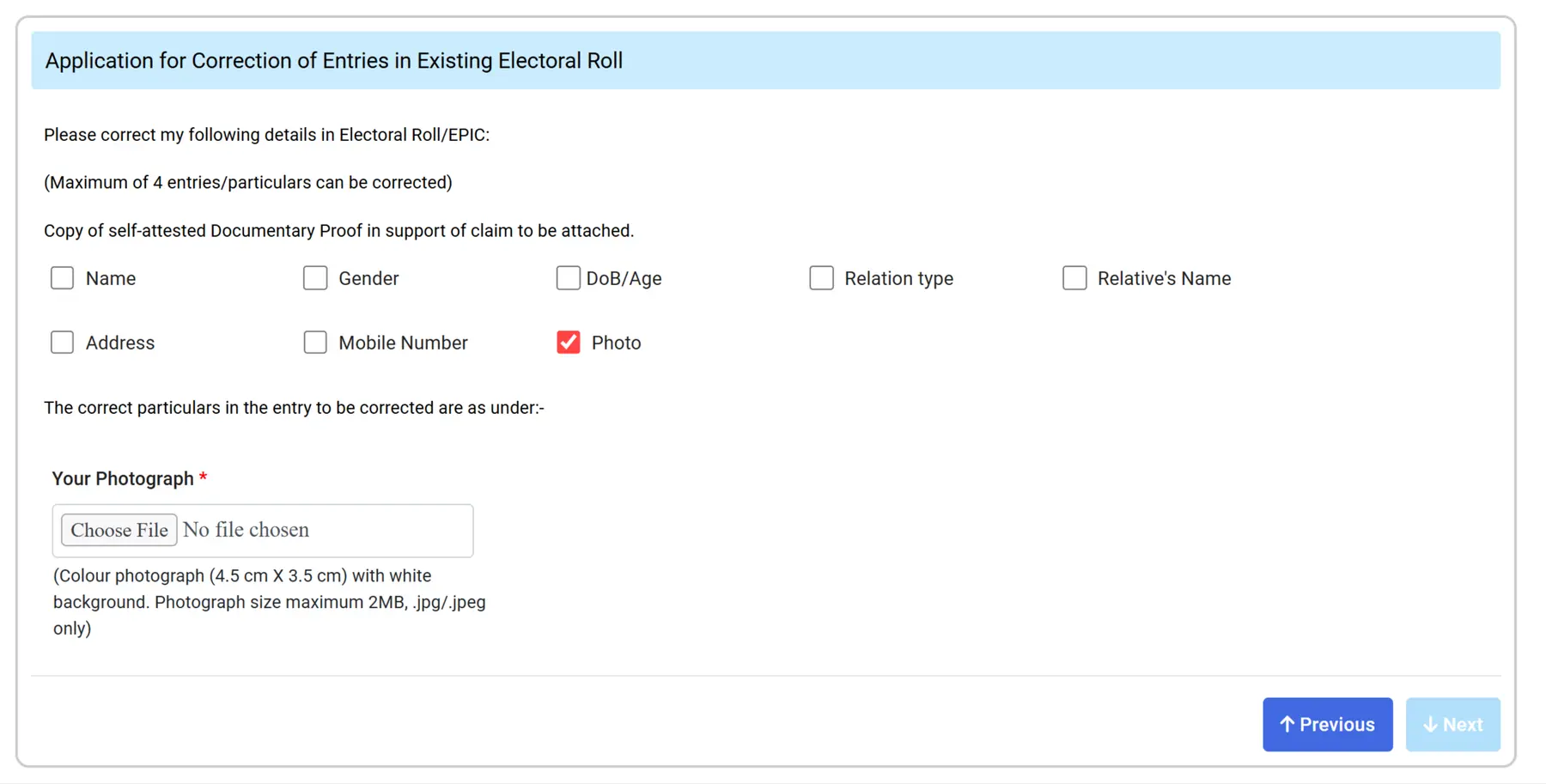
STEP 7: Then your personal details will be shown. In Section C, select the “Photo” option for correction and upload your latest photo in JPG/PNG format, as shown in the image below.
Step 8: After select the correction option then next section is declaration as the screenshot is shown below.

Step 9: After declaration, you have to enter the captcha code and click on submit button, and you will receive the reference number to track the application station.
Track Voter ID Correction Application Status
After submitting Form 8, Voter’s can check the application status online to know if their name is added to the voter list.
Step 1: Open voters.eci.gov.in and login using your mobile number, password and OTP.
Step 2: Select Track Application Status from the dashboard.

Step 3: Enter your reference ID number and click on Submit button.
Step 4: Your voter registration status will appear on the screen.